

Snap it! Scan it! Save it! Track calories in seconds

Counting calories, the easy way
Then £39.99 a year. Join and you're straight back in, with everything you saved. Nothing is charged unless you choose to join.
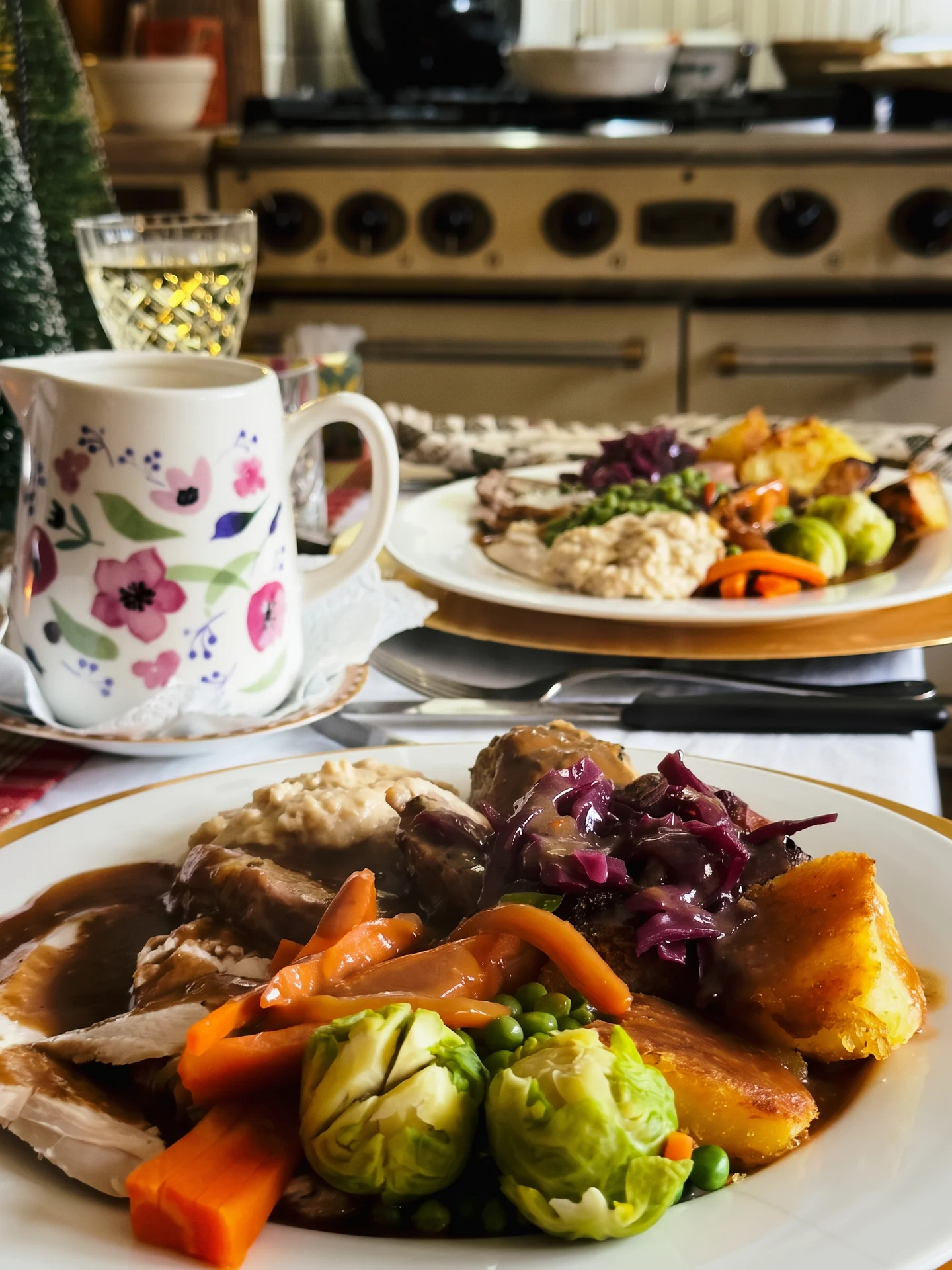
Scan my meal
Snap your plate.
It names every food on it and works out the calories.
0 calories
Four foods, one photo. No weighing, no searching.
Change any amount in a tap.
Then Add to log. Done.

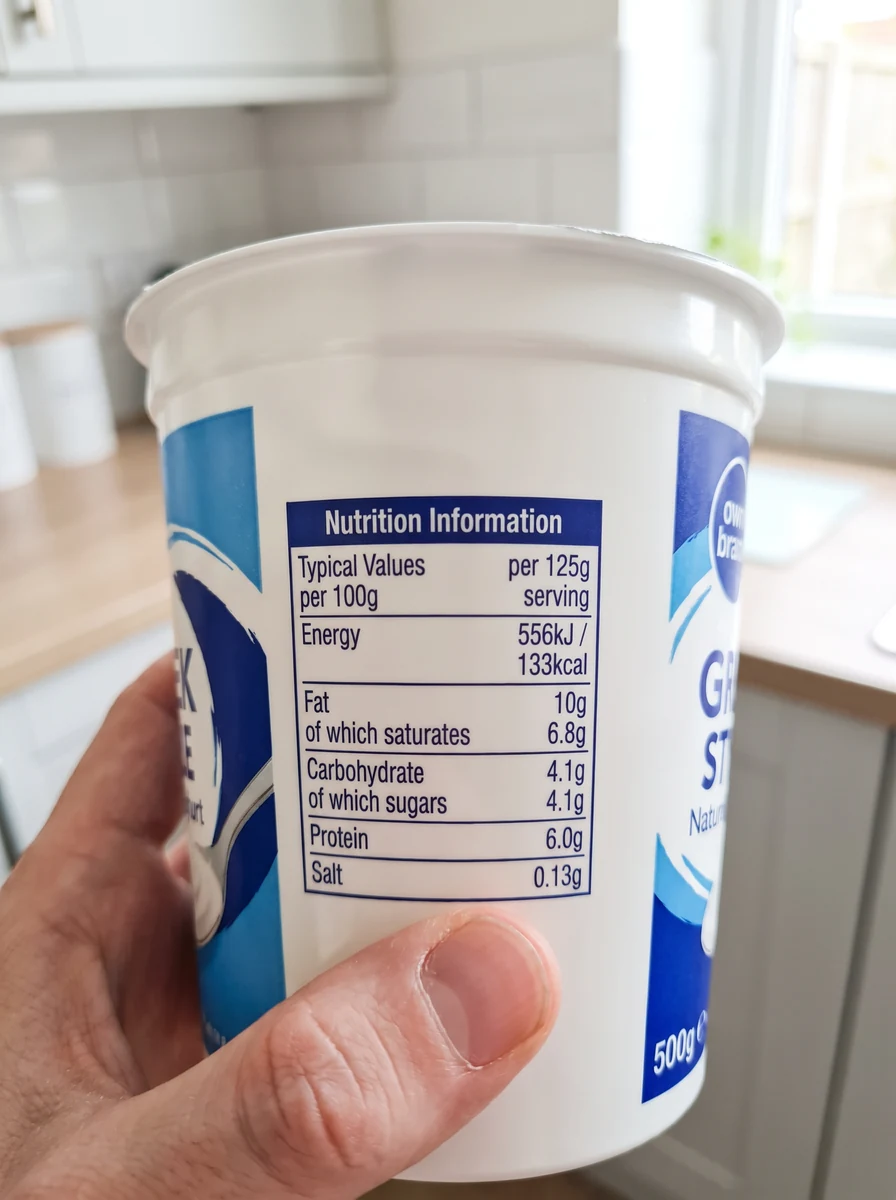
Scan a label
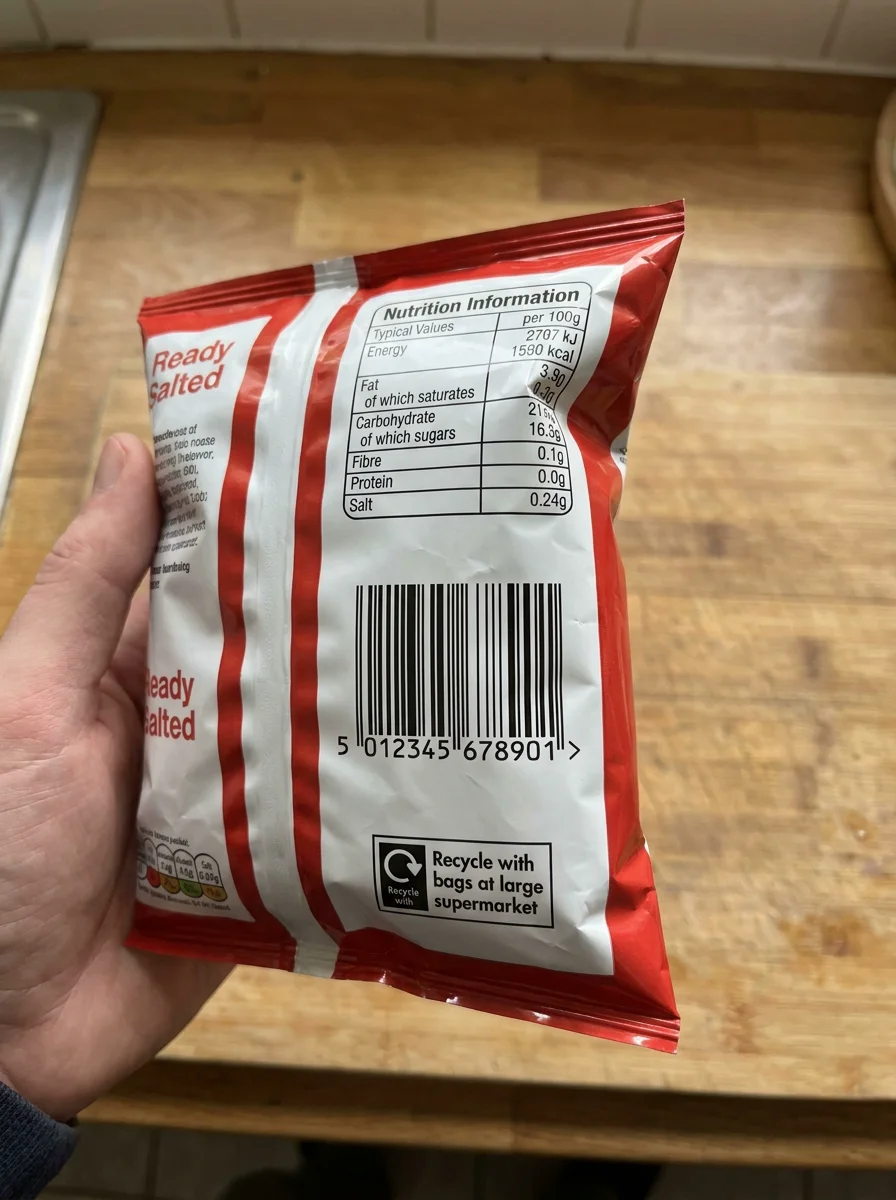
No barcode? Snap the label.
It reads the numbers off the pack: calories, fat, carbs, protein, salt. Check it, then Add to log.

Describe a meal
Already eaten it? Just say what you ate.
“”
- Toast, white 80 g · 210 cal
- Butter 10 g · 74 cal
- Latte, semi-skimmed 350 ml · 140 cal
0 calories. Say it or type it, in your own words.
Low calorie recipe generator
Want ideas on what to cook?
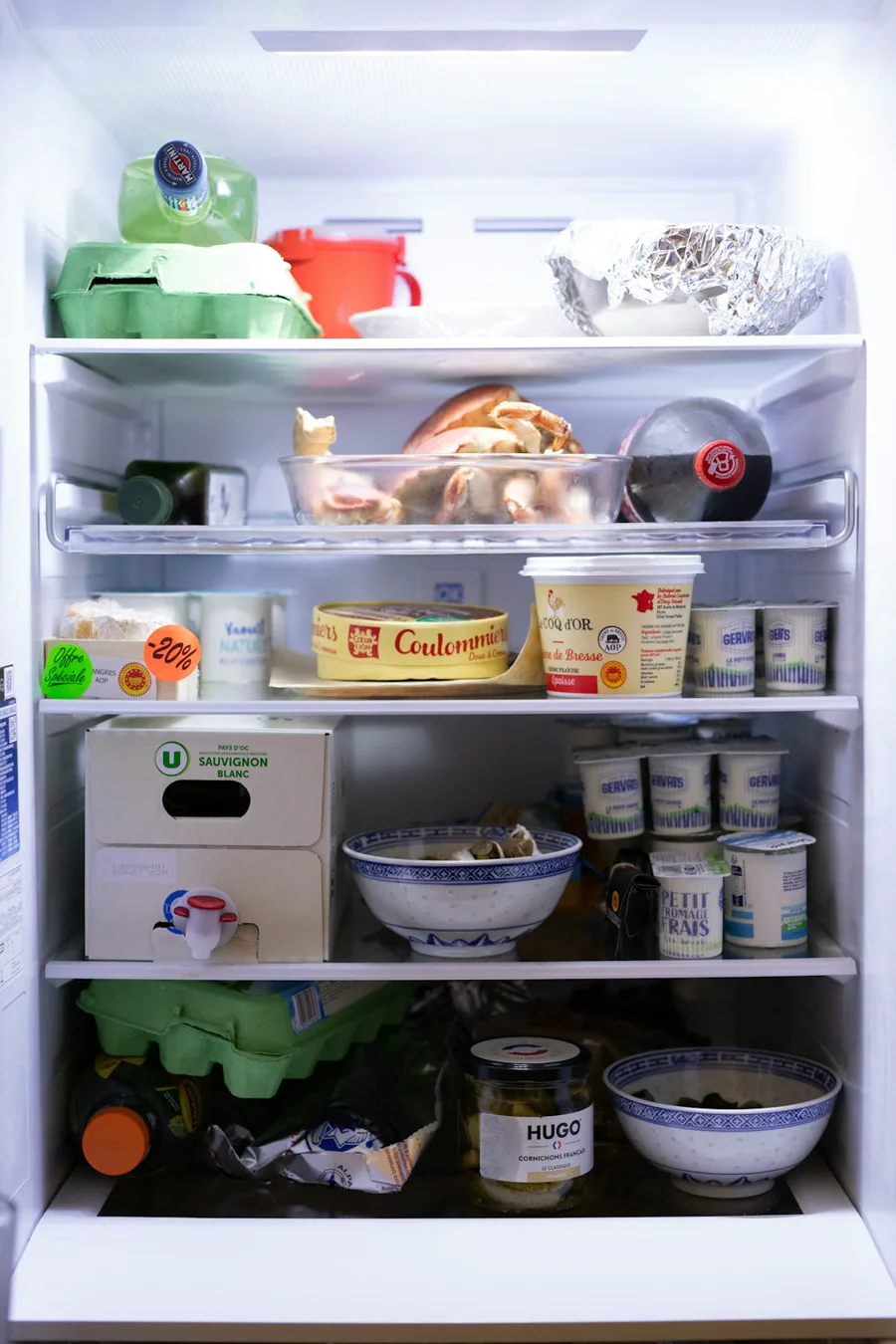
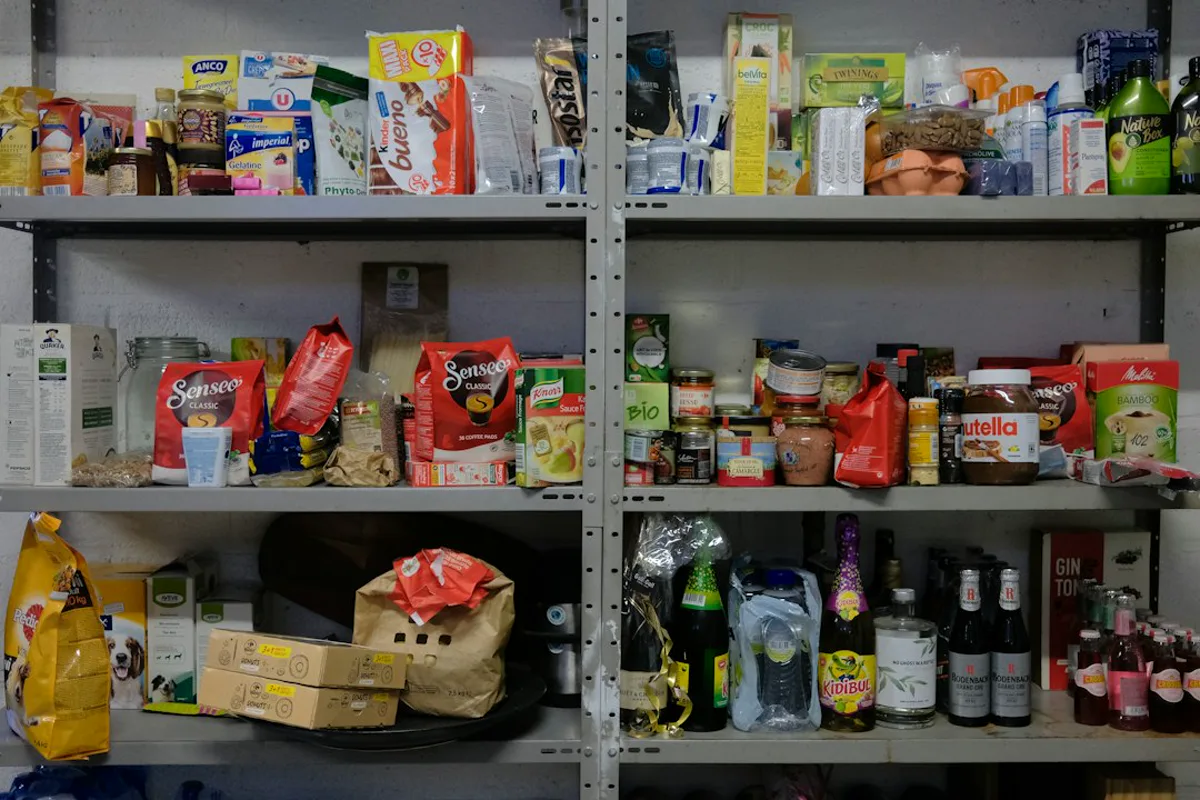
Snap your fridge and pantry and get 3 recipes, made only from what you’ve got, with the calories done.


Recipe from a link
Found a recipe online? Paste the link.
It reads the ingredients and works out the calories for the whole dish and per serving. Save it as a meal and log it any time.


Scan a barcode
Eating from a packet? Scan the barcode.
The numbers from the pack, from over 140,000 UK foods and 680,000 US foods.

And everything else
Everything a calorie counter should do.
- Weekly check-inEach week it compares what you ate with how your weight moved, and suggests a new daily target.
- Weight trendDaily weigh-ins smoothed into a trend, so one salty meal doesn't throw you.
- Goal progressSee how much of your goal you've reached, and roughly when you'll get there.
- Your usualThe foods you eat most, one tap away.
- Saved mealsSave a meal once, log it again in a tap.
- Quick addJust the calories, when that's all you've got.
- Protein, carbs and fatPlus fibre, sugar and salt, every day.
- Nutrient explorerSee which foods filled each number.
- Water and exerciseLog them alongside your food.
- Body measurementsTrack more than the scale.
- Progress photosThey stay on your phone, not on our servers.
- MilestonesLittle wins along the way.
- RemindersA nudge at breakfast, lunch and dinner, and one to weigh in.
- Import from another appBring your history from MacroFactor and other apps.
- 30-day reportA PDF of your last month to keep or share.
- Backed upYour log follows you to any phone or computer.
- Help when you need itAsk in the app and get an answer straight away. Money or health questions get a set answer that points you to the right place, never an AI guess.
- Kilograms, stone or poundsYour choice of units, and light or dark.
- Install in secondsAdd it to your home screen. No app store needed.
Questions
How accurate are photo estimates?
A photo is an estimate: it can't see inside a pie or how much oil went in the pan. It flags anything it's unsure about, and you can change any amount before you log it. For packaged food, scan the barcode or the label to get the numbers from the pack.
How do I install it?
Open the app on your phone or computer and add it to your home screen. It sits there as an icon and opens like any other app, and it works best that way. No app store, nothing to pay to install.
iPhone: tap Share, then Add to Home Screen (on newer iPhones tap ⋯ first to see Share).
Android: tap ⋮, then Install app.
Windows or Mac (Chrome or Edge): click the install icon at the right of the address bar.
Mac (Safari): File, then Add to Dock.
Trouble installing? See Help.
What happens after the 14 days?
When your 14 days are up and you open the app, it asks you to join for £39.99 a year. Join and you're straight back in, with everything you saved. Until you join, logging food and weight is locked, but Settings, Export, your daily target, Help and the 30-day report stay open, and your log stays saved. No card is needed for the trial, so nothing is charged unless you choose to join.
Is my data sold or used for ads?
No. There are no ads, and we don't sell your data. Your log is backed up to your account so it's there on any phone. Progress photos stay on your phone and aren't backed up to us.
Can I bring my history from another app?
Yes. It imports spreadsheets and CSV files with dates, weights and calories, including MacroFactor's Quick Export.
Is it for the UK or the US?
Both. UK users see grams, kilograms or stone, and salt. US users see pounds, fluid ounces and sodium. The food database covers over 140,000 UK foods and 680,000 US foods.
What if I get stuck?
Go to Settings, then Help and feedback, and type your question. You get an answer on screen straight away, and a copy by email. Anything about payments, refunds or your health gets a set answer instead: where to manage your subscription, how refunds work (14 days to ask, worked out per day used), and to talk to your GP or a pharmacist about your health. Nobody replies by hand. Can\'t get in? See Help.
Guides
- Calorie deficit calculatorYour daily target, worked out the same way the app does it.
- How many calories do I need a day?The NHS averages, and why your own number can differ.
- Calories per 100gHow to read a UK food label, with the NHS high and low levels.
- Calorie deficit mealsClassic UK dinners compared per 100g.
- Free calorie counter spreadsheetA blank tracker to download, which the app can import.
- All guidesCalories in everyday foods, calorie deficit, and using the app.
Your next 14 days, on us.
Snap it, scan it, save it. See what your body really needs.
Get the app · 14 days free14 days free, full access, no card needed.
Then £39.99 a year.
Also from Jo
Got plants? Jo's Plant Doctor names them and tells you what's wrong.
See Plant Doctor
What's for dinner? Jo's food recipes makes recipes from the food you have, and plans the week's shopping.
See food recipes